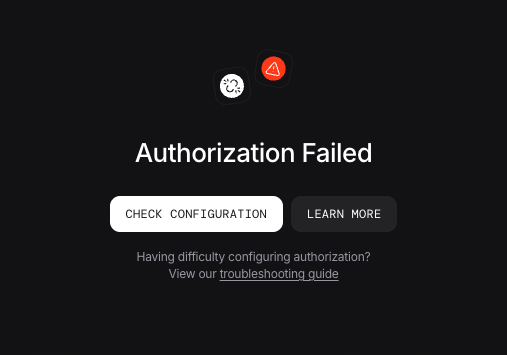
If you are experiencing authorization failures when both security key and authorization are enabled in your AgentOS, this guide will help you resolve the issue.
The Issue
When both security key authentication and authorization are enabled simultaneously, you may encounter an authorization failed error:
This occurs because authorization is preferred over security key. Learn more about security key .
Solution
The solution depends on your AgentOS version:
For Older Versions (Before v2.3.13)
If you are running an AgentOS version older than v2.3.13 , the platform only supports security key authentication.
Disable Authorization on the AgentOS Control Plane
Continue using security key authentication only
For Newer Versions v2.3.13 and Later
If you are running AgentOS version v2.3.13 or newer, you have two options to resolve this conflict:
Authorization (JWT verification) is preferred over security key authentication as it provides fine-grained permissions of RBAC.
Option 1: Switch Off Authorization
If you want to continue using security key authentication:
Disable Authorization from the AgentOS Control Plane
Continue using security key authentication only
Option 2: Switch to Authorization (Preferred)
If you want to use Authorization with JWT verification:
Disable security key authentication from the AgentOS Control Plane
Unset the security key from your environment:
# Remove the old security key
unset OS_SECURITY_KEY
Ensure Authorization is enabled on the AgentOS Control Plane and set the verification key. More info
# Set the new JWT verification key
export JWT_VERIFICATION_KEY = "your-public-key"
Next Steps